How to update your bluetooth device
Keeping your Bluetooth device up to date ensures the best performance, latest features, and improved stability. Follow this short guide to update your device.
Why Update?
We’ve developed a brand-new iOS app with:
• A more responsive and configurable interface
• Improved speed and bug fixes
• Powerful new features not available in the old app
⚠ The old app works with the new firmware (with some limitations).
✘ The new app is not compatible with the old firmware.
What’s New?
| New Firmware Functionality | New App | Old App |
|---|---|---|
| Configure 8 buttons | ✓ | ✓ |
| Auto reconnect | ✓ | ✓ |
| Read DRB Status | ✓ | ✓ |
| Read output status & current | ✓ | ✓ |
| Read External inputs | ✘ | ✓ |
| Read Climate Sensors | ✓ | ✘ |
| Configure outputs | ✓ | ✘ |
| Read & Configure Virtual outputs | ✓ | ✘ |
| Read & Configure Sensor outputs | ✓ | ✘ |
| Sync app to switch panel | ✓ | ✘ |
| Connect multiple phones | ✓ Up to 3 simultaneous connections | ✓ Up to 3 (but only 1 recommended) |
Begin Update
What You’ll Need
•  A Micro-USB cable – to connect your device
• A Windows computer
• Firmware file – download below
Step 1 – Disconnect
Locate the Bluetooth device and disconnect it from the CAN-bus.

Step 2 – Download Firmware
Download the latest Firmware version.
Step 3 – Connect to PC
Plug the device into your PC via Micro-USB.
⚠ Make sure the CAN-bus is disconnected first!
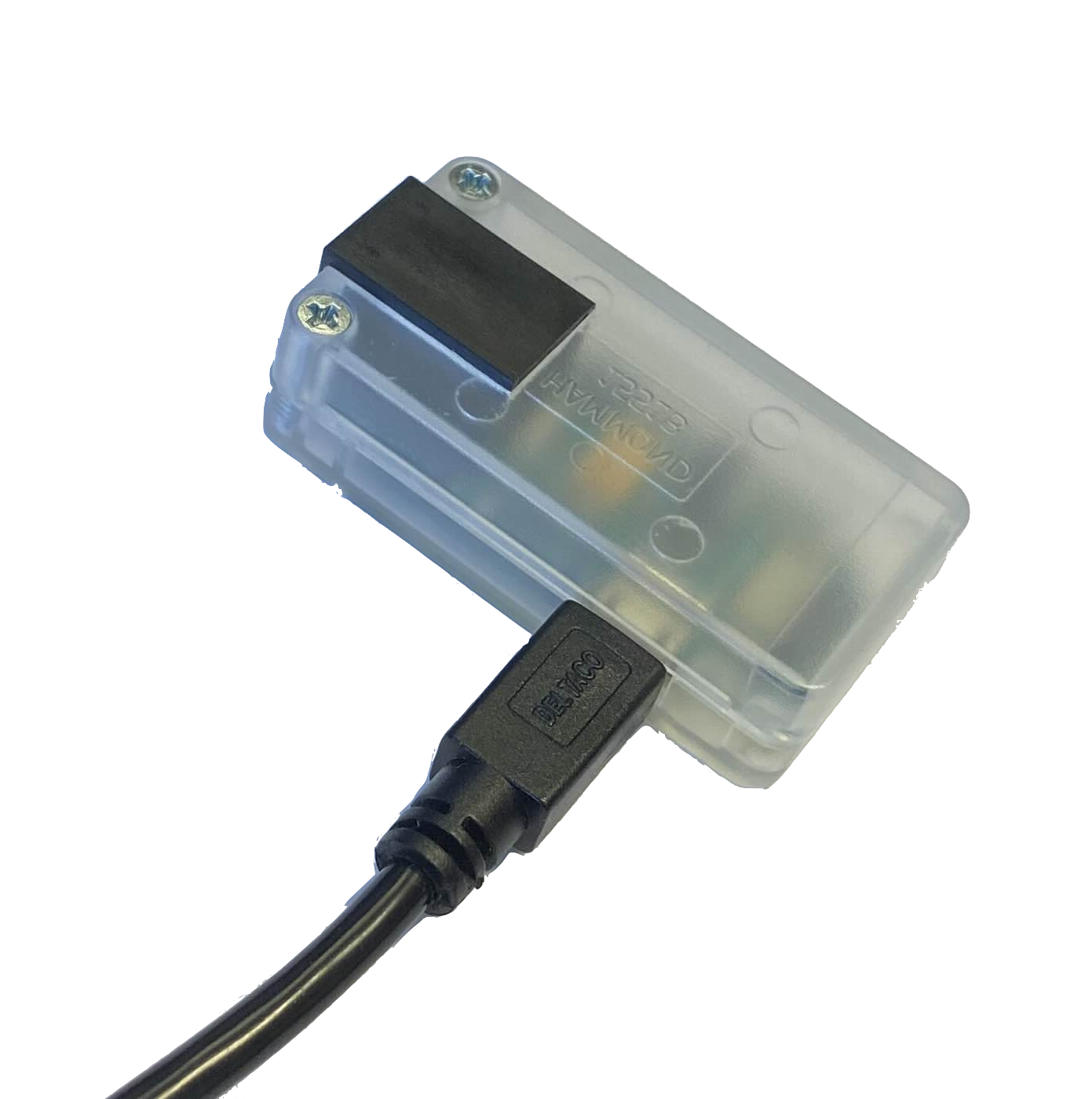
Step 4 – Transfer the Firmware
A folder will automatically open when the device is connected. Drop the firmware file into the folder named BLE5-CAN-BL.
⚠ When the Firmware is dropped in the BLE5-CAN-BL folder you must wait until the folder,
1. closes
2. reopens
3. closes again
This happens automatically and indicates the file has been processed.
Please Note: The date and the file name do not change after the process is complete.
Side Note: Sometimes the folder will close & reopen but does not close again. If this happens, please drop the firmware file in the folder again and it should work. Otherwise right click on the BLE5-CAN-BL drive and choose to eject to safely disconnect the Bluetooth dongle from the computer.
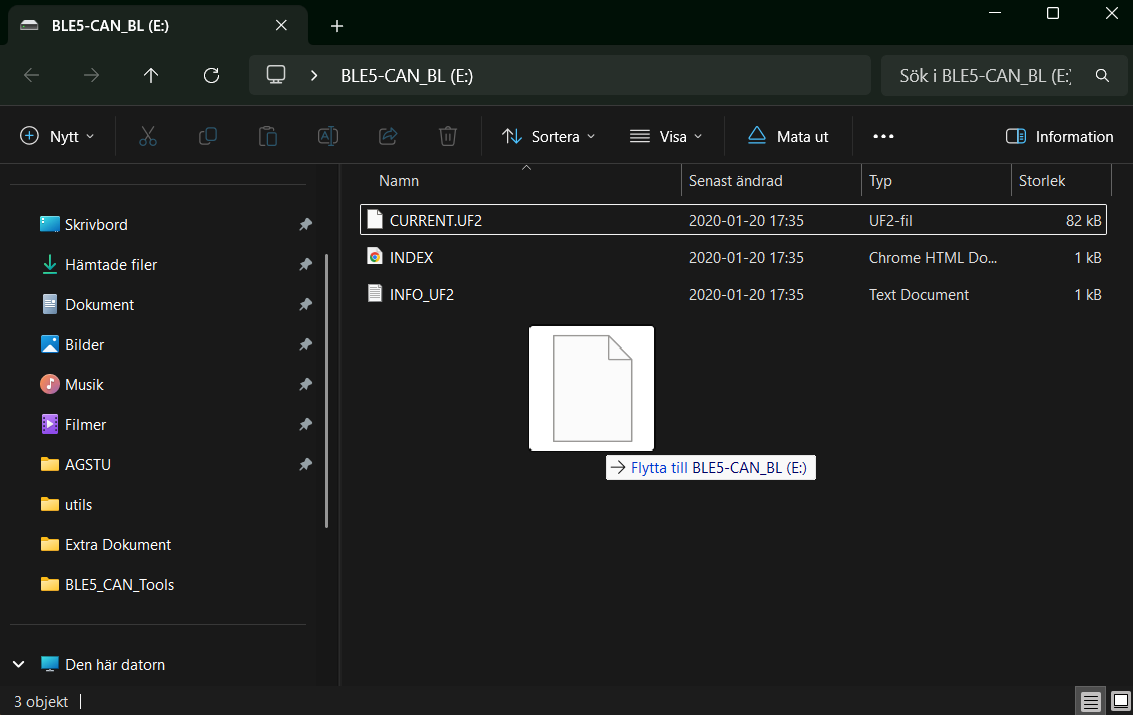
Step 5 – Reconnect
The only thing left to do is to plug the Bluetooth device back in to the CAN-bus.
✓ You’re Done! You’re now ready to enjoy the latest features and improvements!